

By | Destiny Young
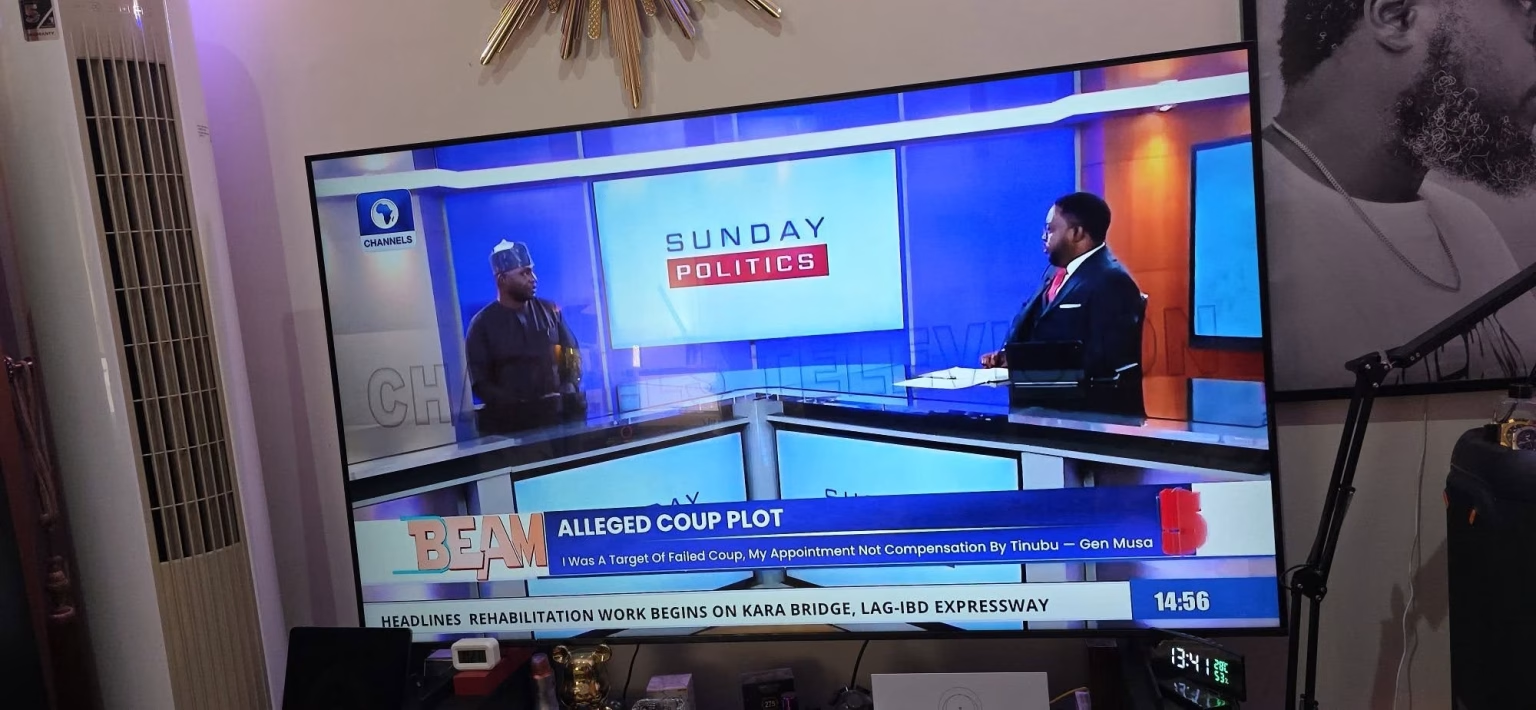
The launch of FreeTV on the NigComSat satellite platform has created a new opportunity for Nigerians to access dozens of television channels without monthly subscription fees. Many Samsung Smart TVs already come with built in DVB-S2 satellite tuners, allowing users to connect directly to a satellite dish and receive FreeTV channels without the need for an external decoder.
If you own a compatible Samsung television, setting up FreeTV is straightforward and can be completed within a few minutes.
What You Need
Before beginning the setup process, ensure you have the following:
• A Samsung television with a built in DVB-S2 satellite tuner
• A properly installed Ku band satellite dish
• A Universal LNB
• A coaxial cable connected from the dish directly to the Satellite In port on the television
How to Confirm DVB-S2 Compatibility
Most recent Samsung QLED, Crystal UHD and Smart TVs sold in Africa support DVB-T2, DVB-C and DVB-S2 broadcasting standards.
To confirm compatibility:
1. Press the Home button on your Samsung remote control.
2. Navigate to Settings.
3. Select Broadcasting or Channel Settings.
4. Look for Satellite Settings or Antenna Type.
5. If Satellite appears as an available option, your television supports DVB-S2 reception.
Satellite Configuration Settings
To receive FreeTV channels on NigComSat, configure the following settings:
Satellite: NigComSat 1R (42.5° East)
LNB Type: Universal
Low Frequency: 9750 MHz
High Frequency: 10600 MHz
22KHz Tone: Auto
LNB Power: On
DiSEqC: Off
Motor Control: Off
FreeTV Transponder Settings
Primary Transponder
Frequency: 12685 MHz
Polarisation: Vertical
Symbol Rate: 30000 KS/s
Alternative Transponder
Frequency: 12730 MHz
Polarisation: Horizontal
Symbol Rate: 26250 KS/s
How to Scan for FreeTV Channels
1. Press Home on your Samsung remote.
2. Open Settings.
3. Select Broadcasting.
4. Open Expert Settings.
5. Select Satellite System.
6. Choose Satellite List and select NigComSat 42.5°E.
7. Enter the transponder details if they are not already available.
8. Select Network Search or Blind Scan.
9. Allow the television to complete the scanning process.
10. Save all discovered channels.
Once scanning is completed, the available FreeTV channels will be added automatically to your channel list.
Recommended Dish Size
Although FreeTV can be received with a 60 centimetre satellite dish in many locations, a 90 centimetre dish is recommended across most parts of Nigeria for stronger signal reception and improved viewing stability during adverse weather conditions.
Benefits of FreeTV
FreeTV offers viewers access to a wide range of television channels without recurring subscription charges. The platform delivers entertainment, news, sports, educational content, religious programming and lifestyle channels directly through the NigComSat satellite network.
For households with compatible Samsung televisions, FreeTV eliminates the need for additional decoders, reducing equipment costs while providing a simple and convenient television viewing experience.
Conclusion
The transition to FreeTV presents a cost effective solution for Nigerian households seeking quality television content without monthly subscription fees. With a compatible Samsung television equipped with a DVB-S2 tuner, a satellite dish and the correct configuration settings, viewers can enjoy access to numerous television channels directly from the comfort of their homes.
As FreeTV continues to expand its channel offerings nationwide, Samsung television owners are among the many Nigerians who can take immediate advantage of this innovative broadcasting platform.